 Free
Free
No more staring into the fridge. Tell EatWhat a dish, an ingredient, or a craving — and get a real recipe for tonight, sized to your table, with step-by-step timers.

Free on iOS — your answer’s seconds away. No credit card.




Built for Hong Kong kitchens — ask in Cantonese, English, or whatever you speak
The food
Every dish is a real, cook-it-tonight recipe — tap any to open it.
How it works
Just ask — no scrolling through endless recipe lists.
Type a dish, an ingredient you've got, or just "surprise me."
The AI finds a match — or creates one — sized to your servings.
Sear the wings skin-side down until golden, about 5 minutes
Step-by-step instructions with built-in timers.
Multilingual
Ask and read every recipe in your language — Cantonese, English, Filipino, Indonesian, or Thai. Same recipe, no confusion.
Smart Recipes
Halal, allergies, vegetarian — just tap to adapt. Scale servings up or down. Swap any ingredient. The recipe updates instantly.



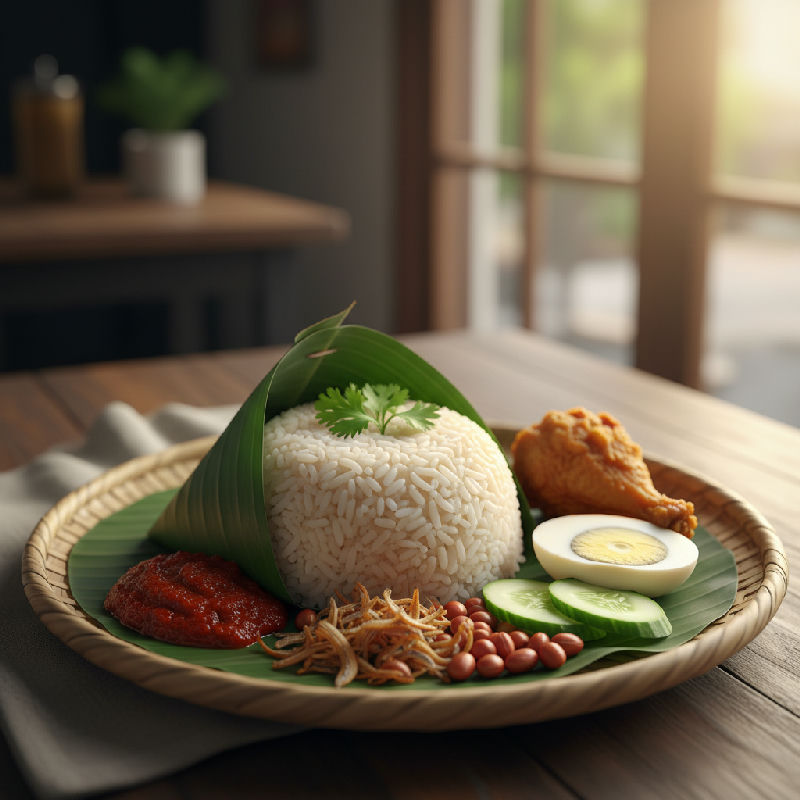
Always Fresh
A curated library of Hong Kong and pan-Asian home cooking — with calories, macros, cooking times, and step-by-step timers on every dish.
Browse 1,100+ Recipes →Fitness
Snap or describe a meal and the AI logs its calories and macros. Set a goal, track your weight, and get recipe ideas that fit what’s left in your day.
Is it free?
Yes. EatWhat is free to download and use. A Pro upgrade is available for power users, but everything you need to find tonight's recipe is free.
What can I ask it?
Anything — a dish name, an ingredient in your fridge, a craving, a diet, or just "surprise me." The AI works out the rest and gives you a full recipe with steps and timers.
What languages are supported?
English, Traditional Chinese, Simplified Chinese, Filipino (Tagalog), Indonesian (Bahasa), and Thai.
Can it help me eat healthier?
Yes. The Fitness tab tracks your calories and macros, lets you log meals by photo or text, and suggests recipes that fit what’s left in your daily goal.

Free on iOS — your answer’s seconds away. No credit card.